An action prompt is a message that requires the user to actively choose between options.
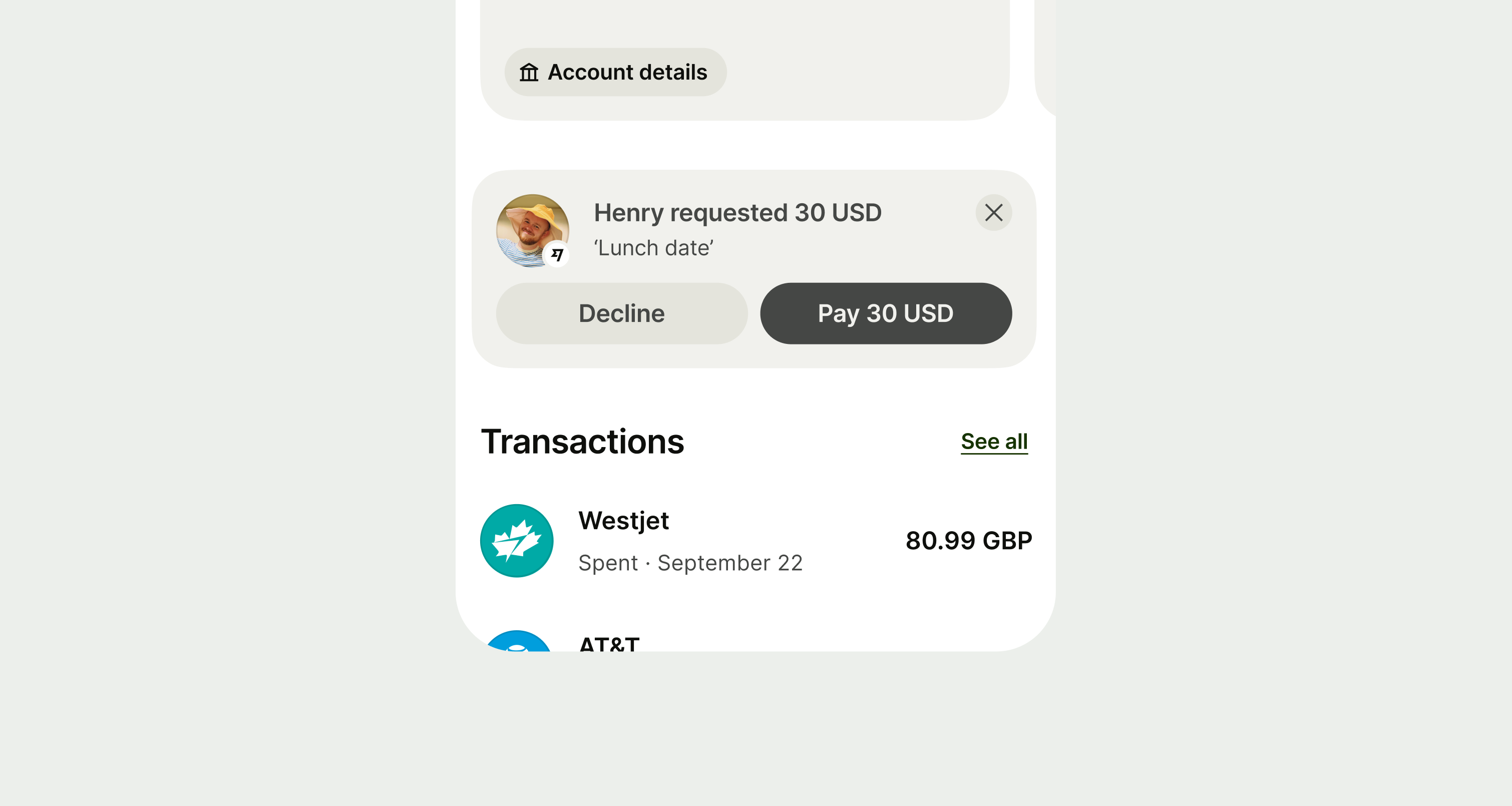
Use an action prompt when you want the user to make a choice. They should have at least two options, even if one is just to dismiss the message.
There are 5 types of action prompts: error, warning, neutral, success and proposition. Each has a different use case and rules around their implementation.
Error
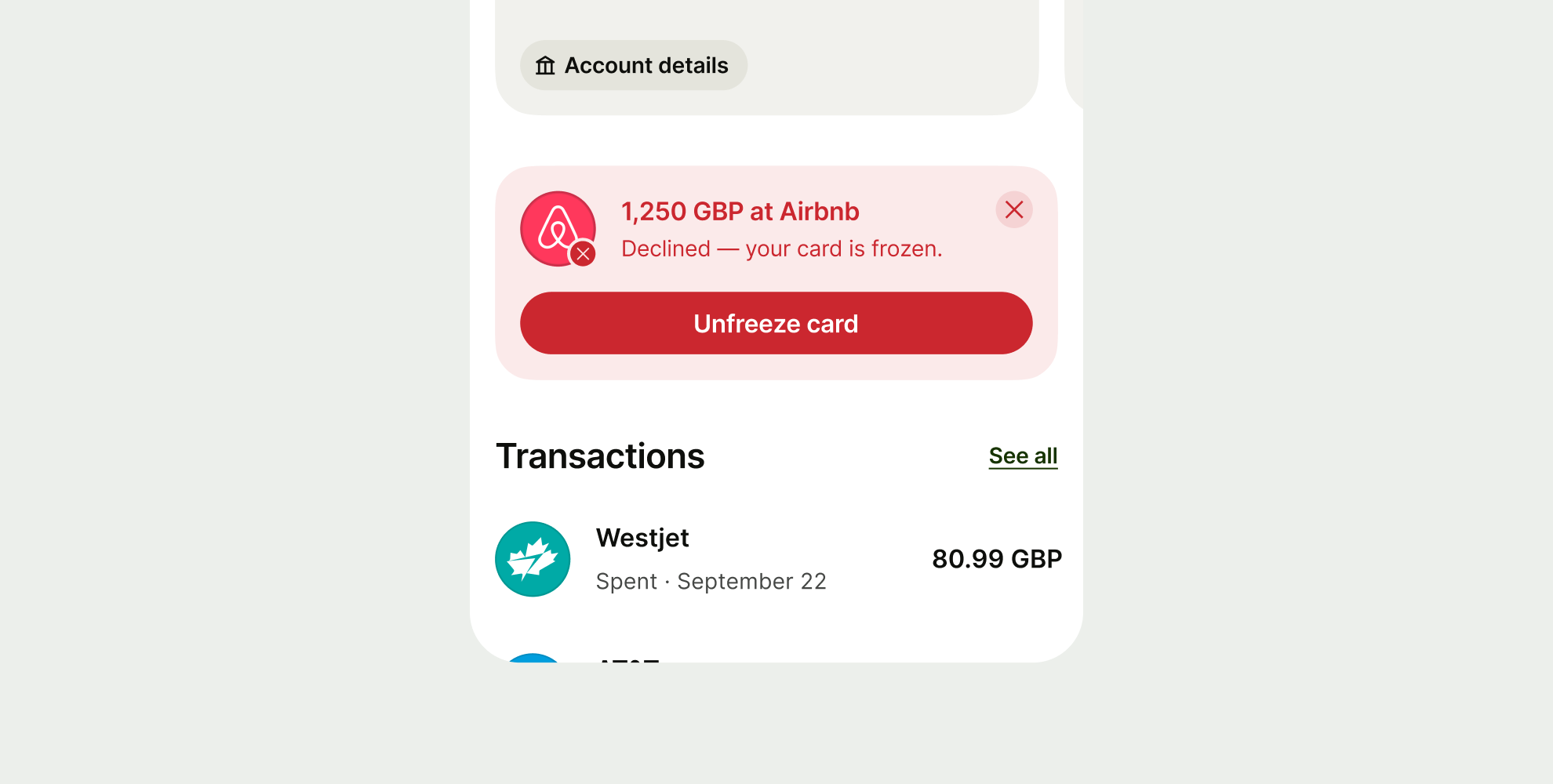
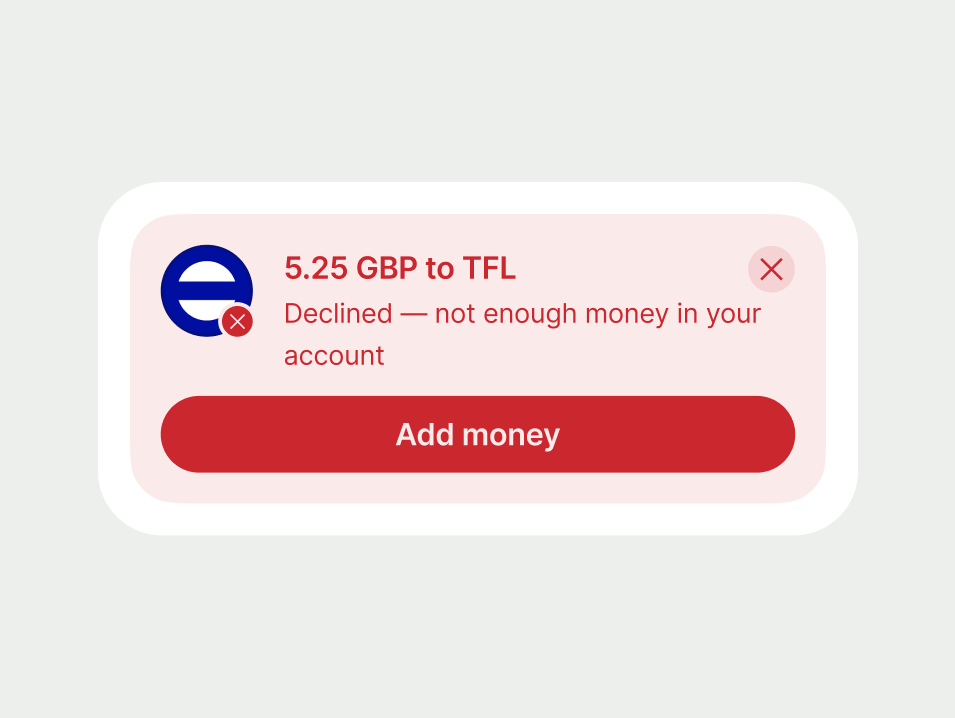
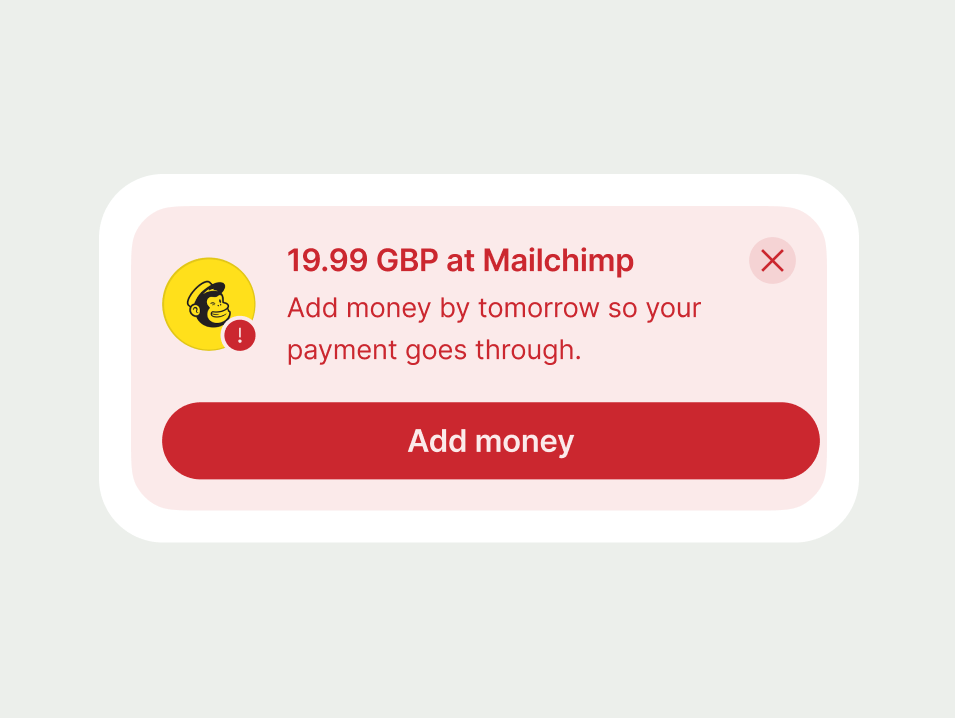
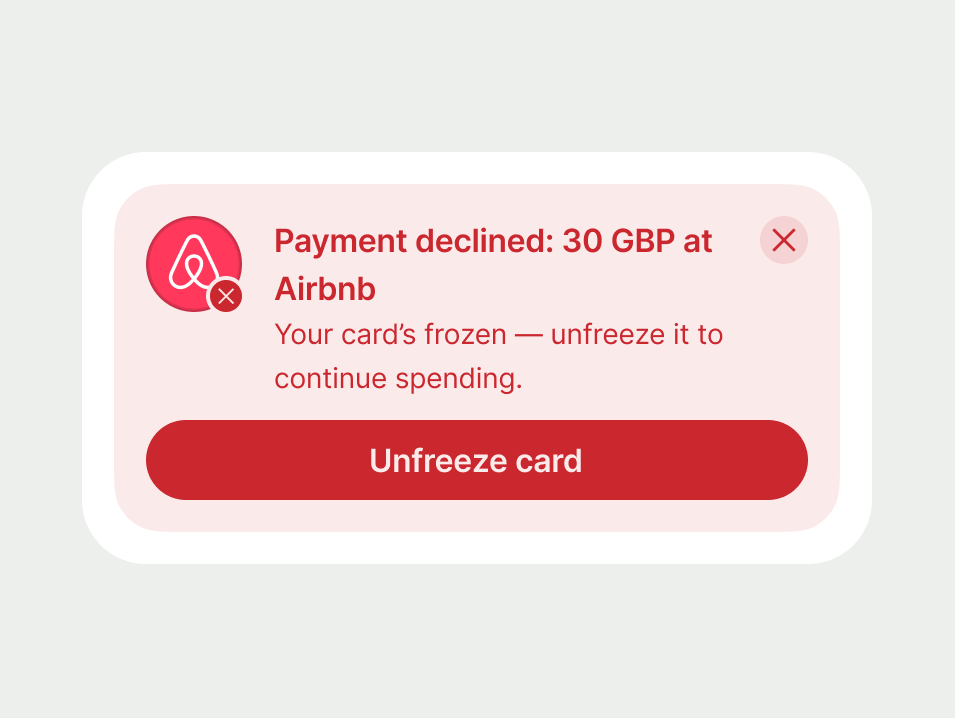
Use an error to let users know when something has gone wrong and needs their attention.
Warning
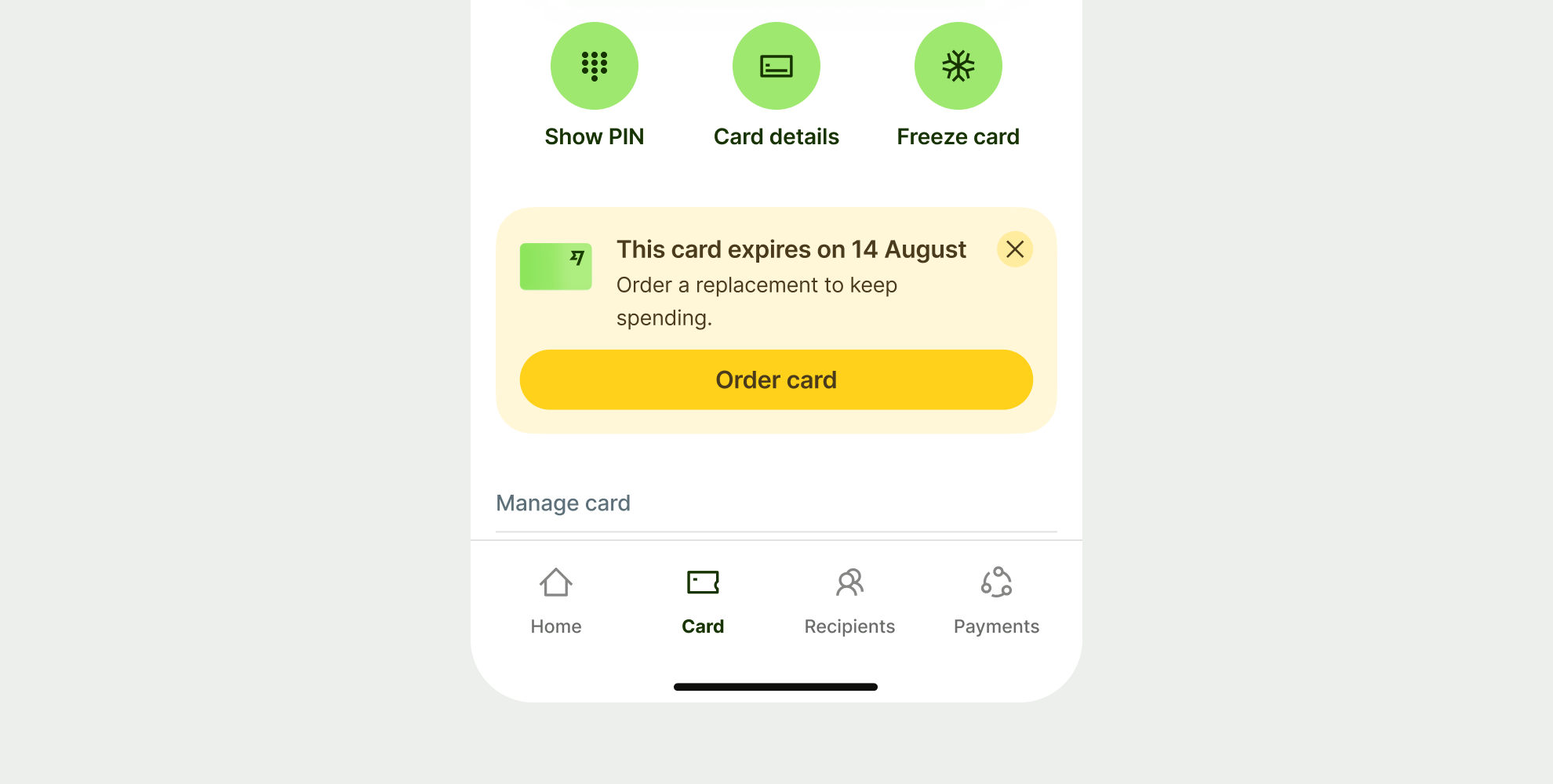
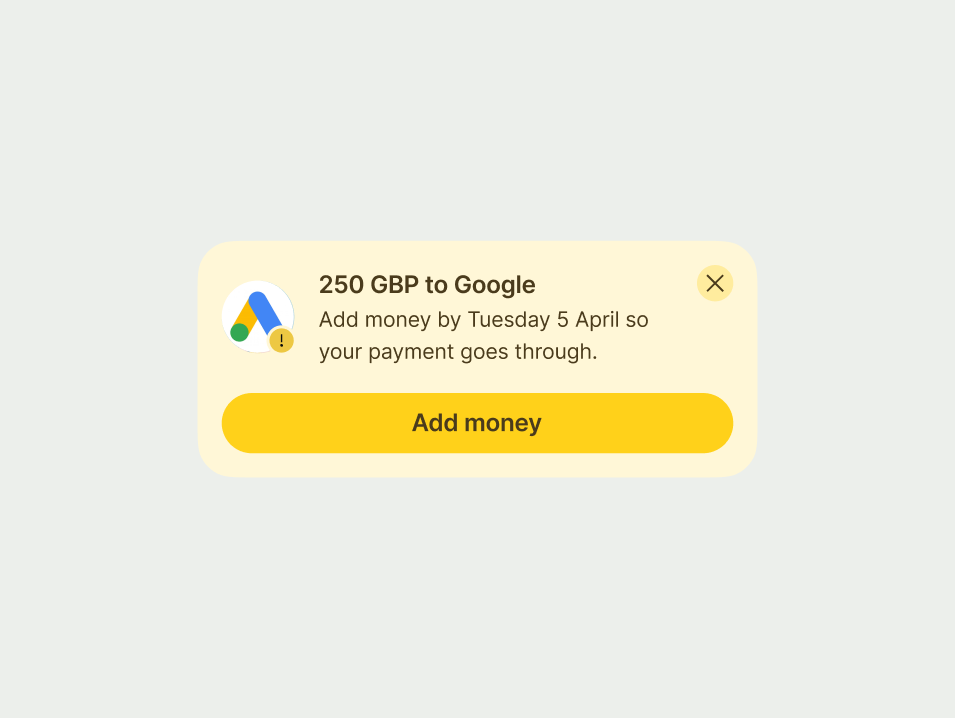
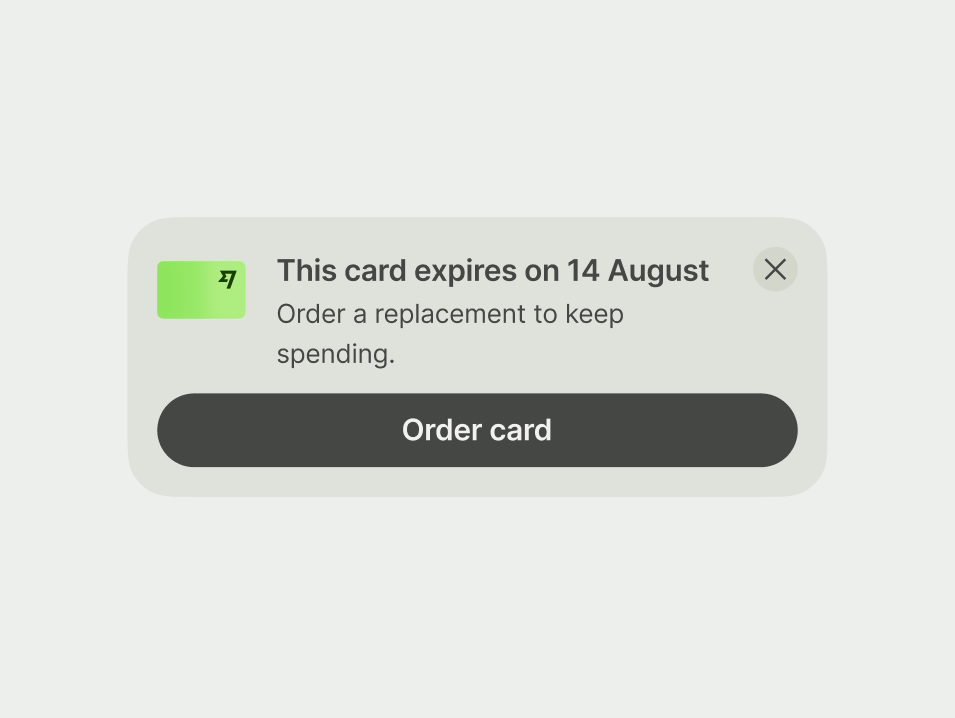
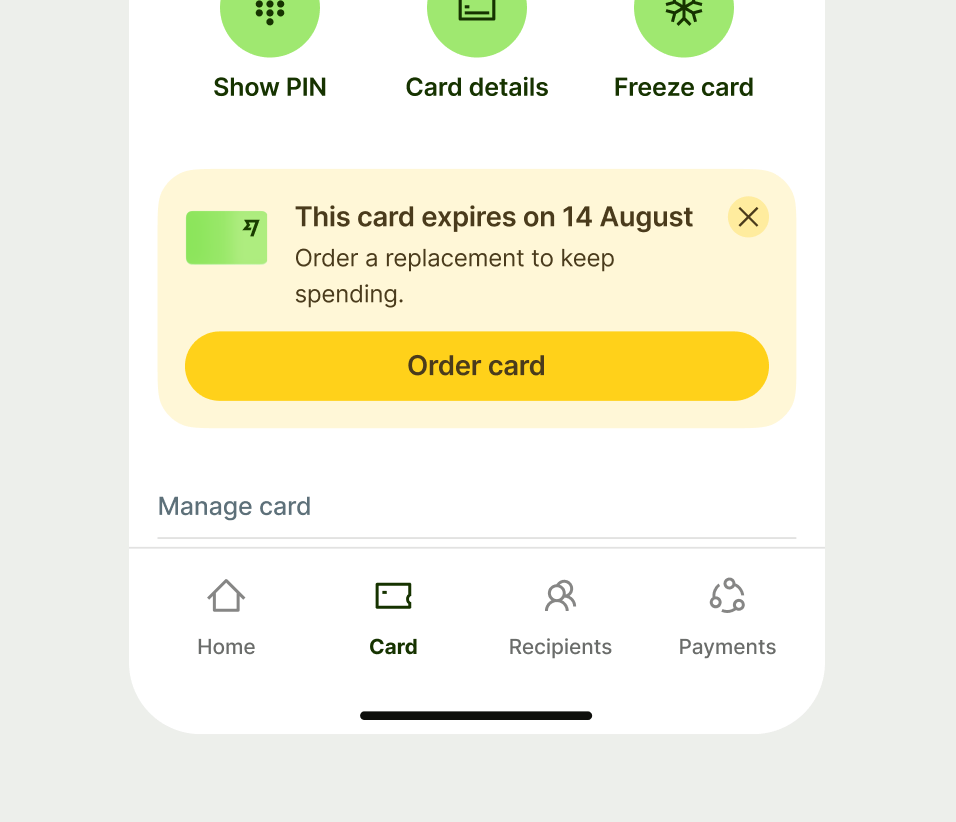
Use a warning when you need to alert users to potential issues that could impact their experience.
These messages are preventative — they help users take action to avoid negative outcomes.
Neutral
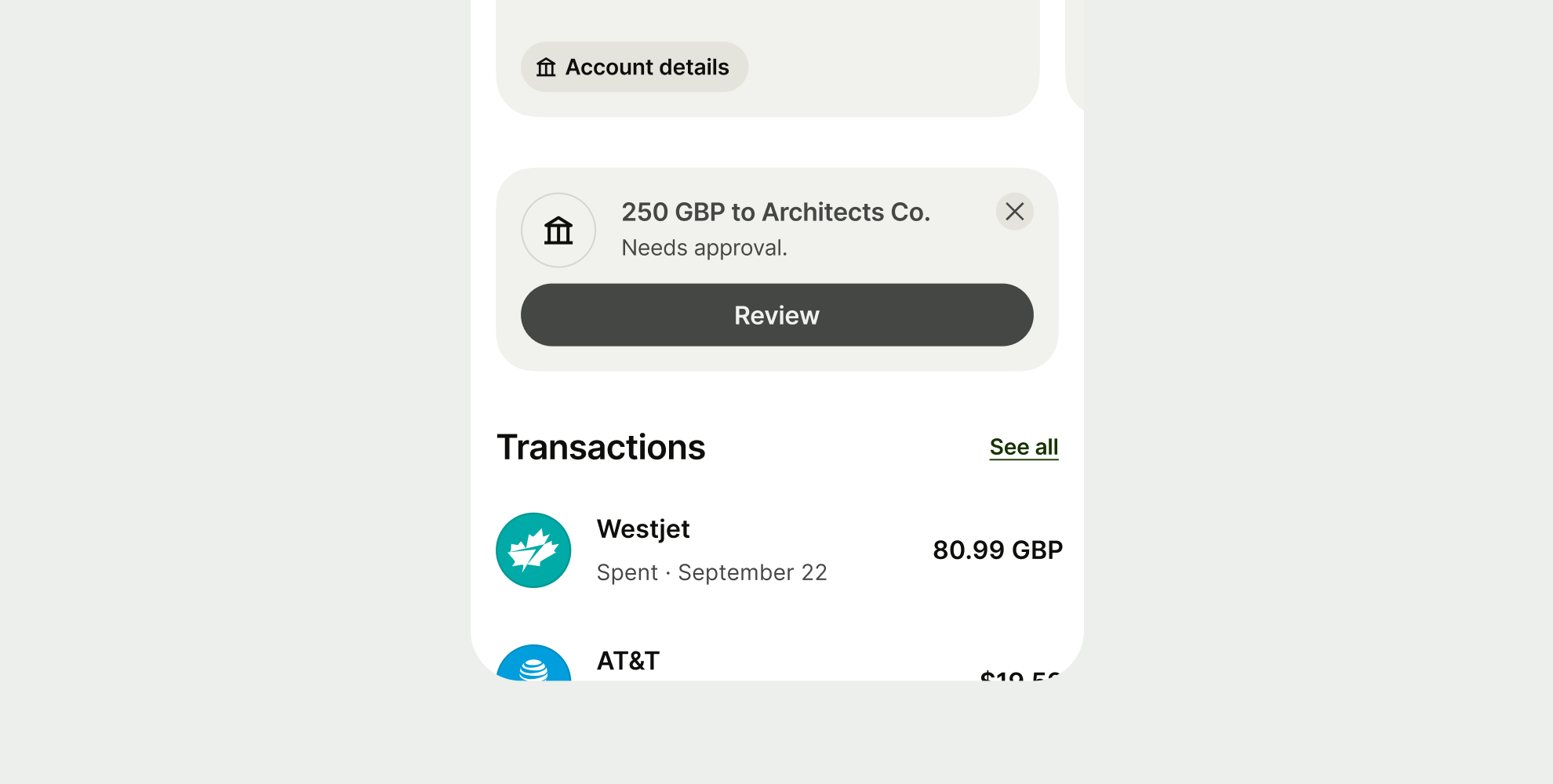
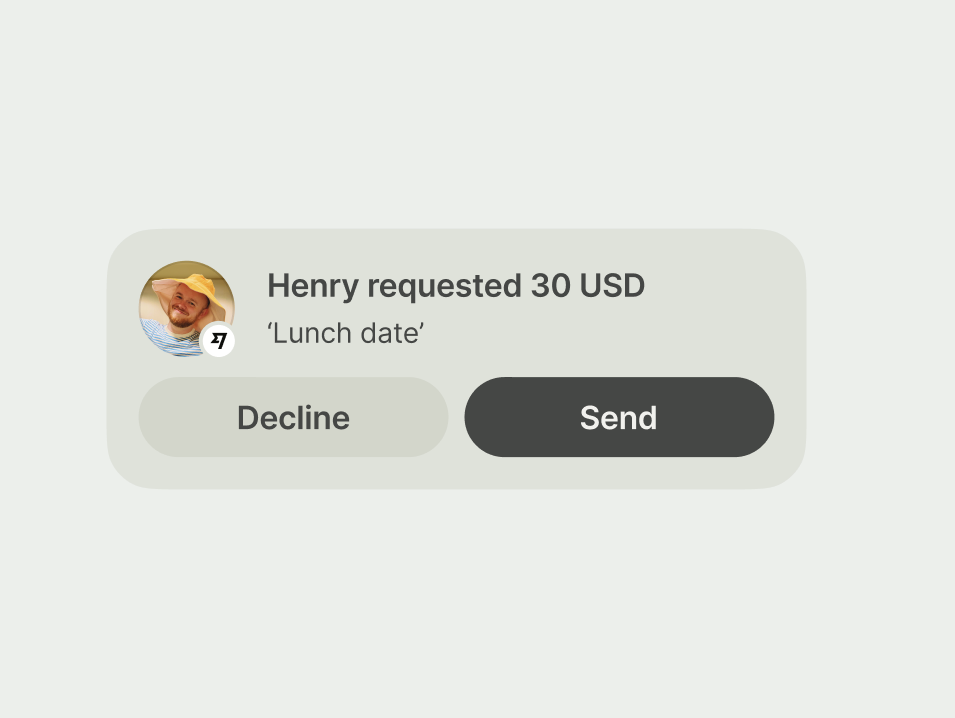
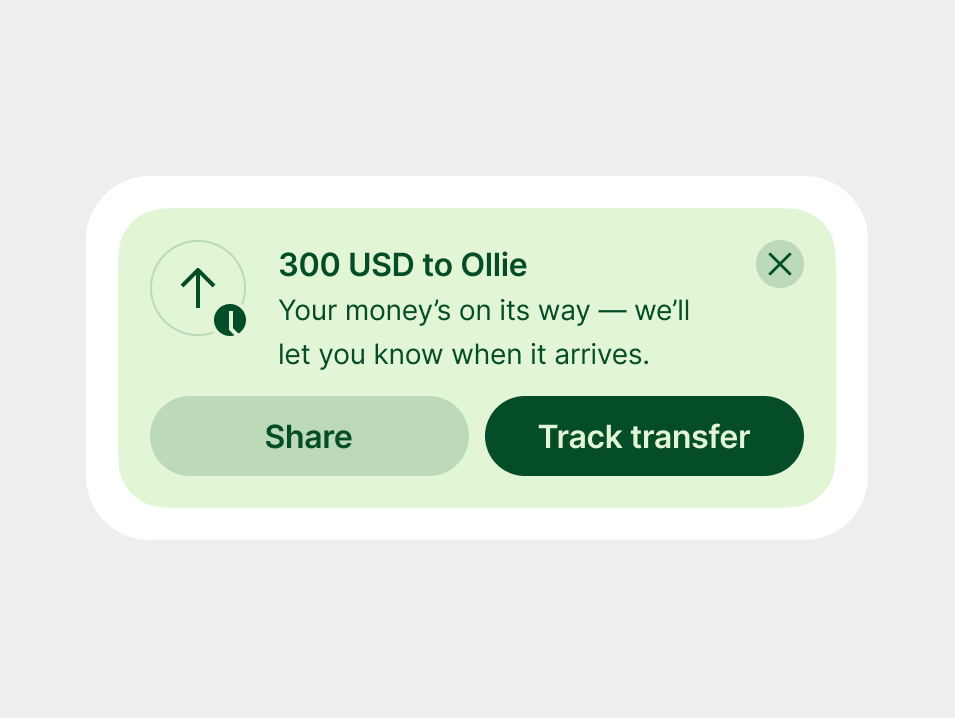
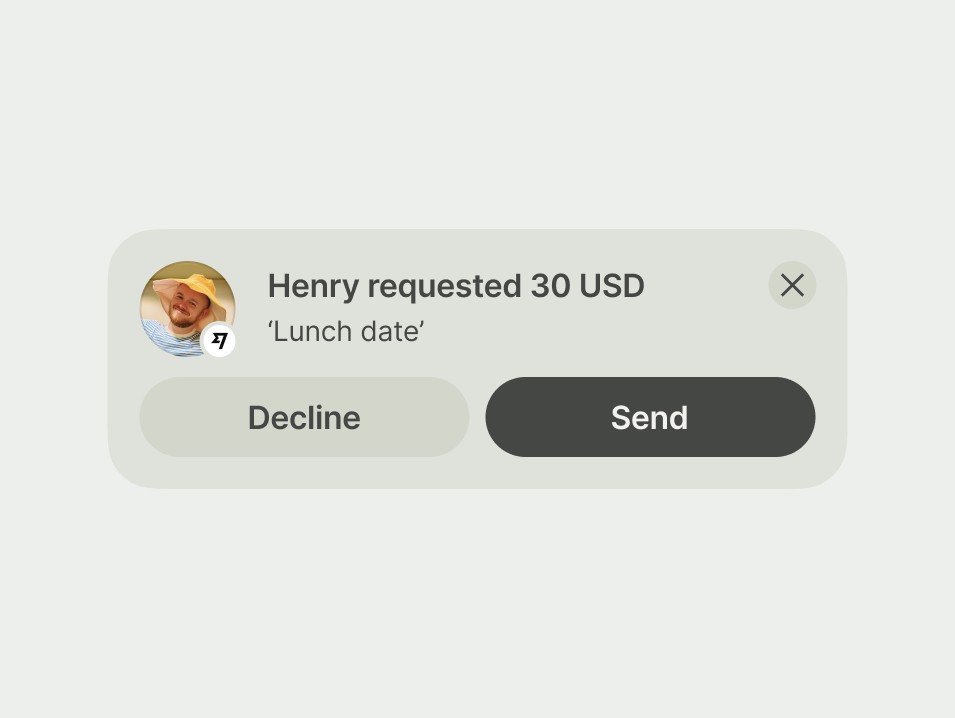
Use a neutral prompt for everyday tasks that need a response to move forward. These are functional requests, such as asking a user to "Send" or "Decline" a request for money.
Success
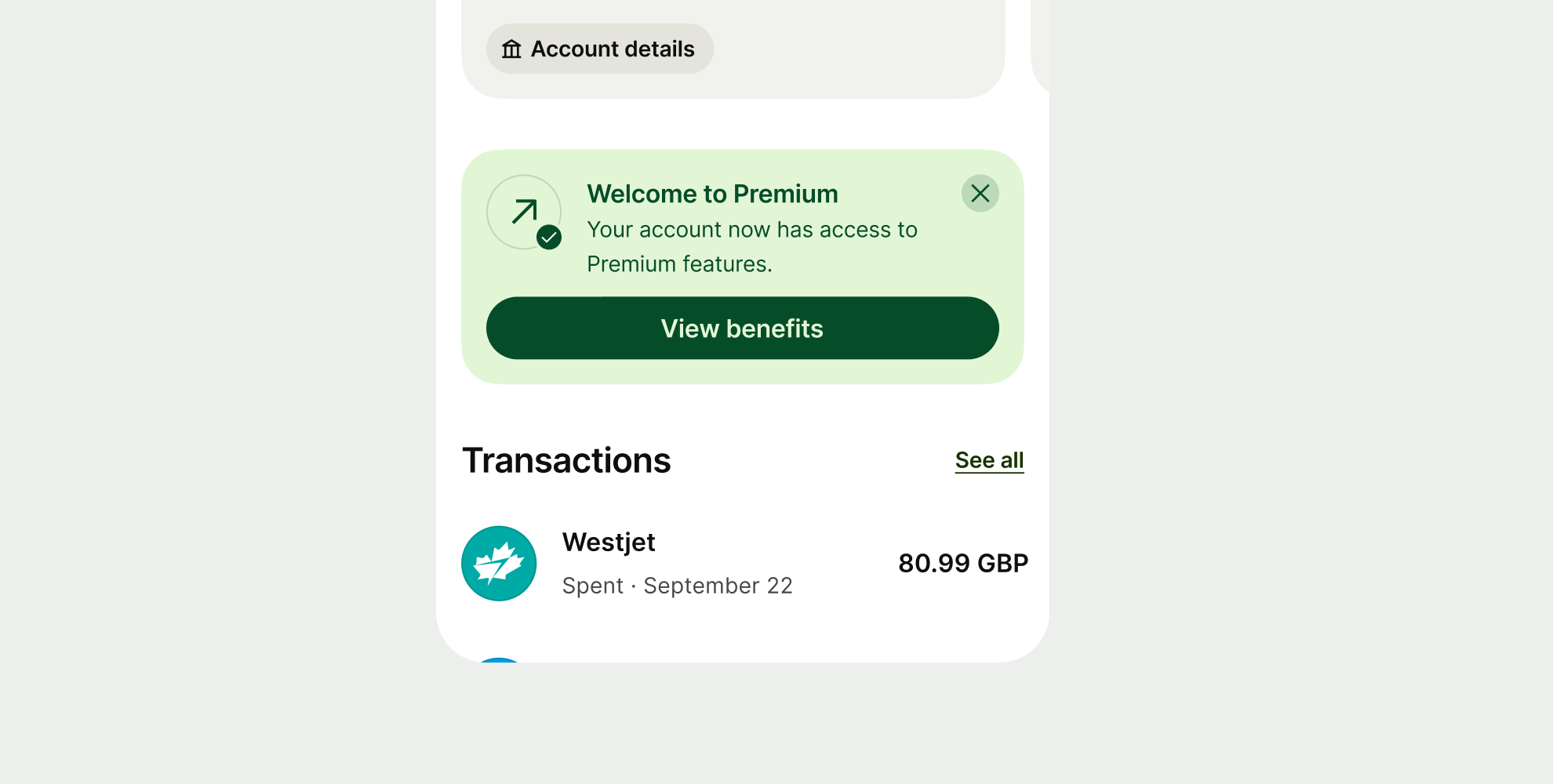
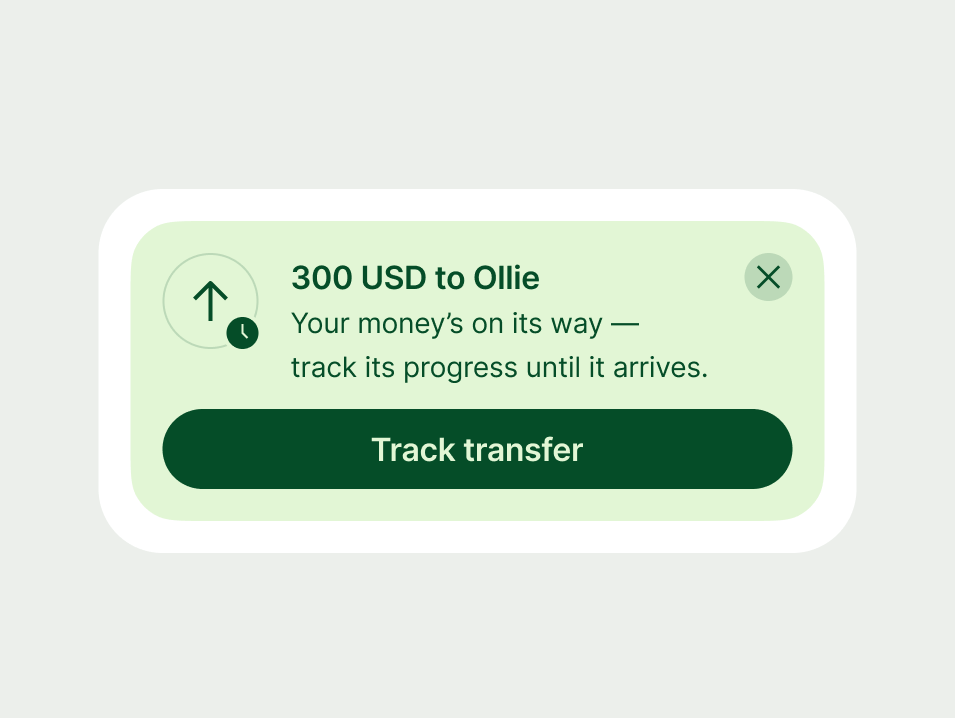
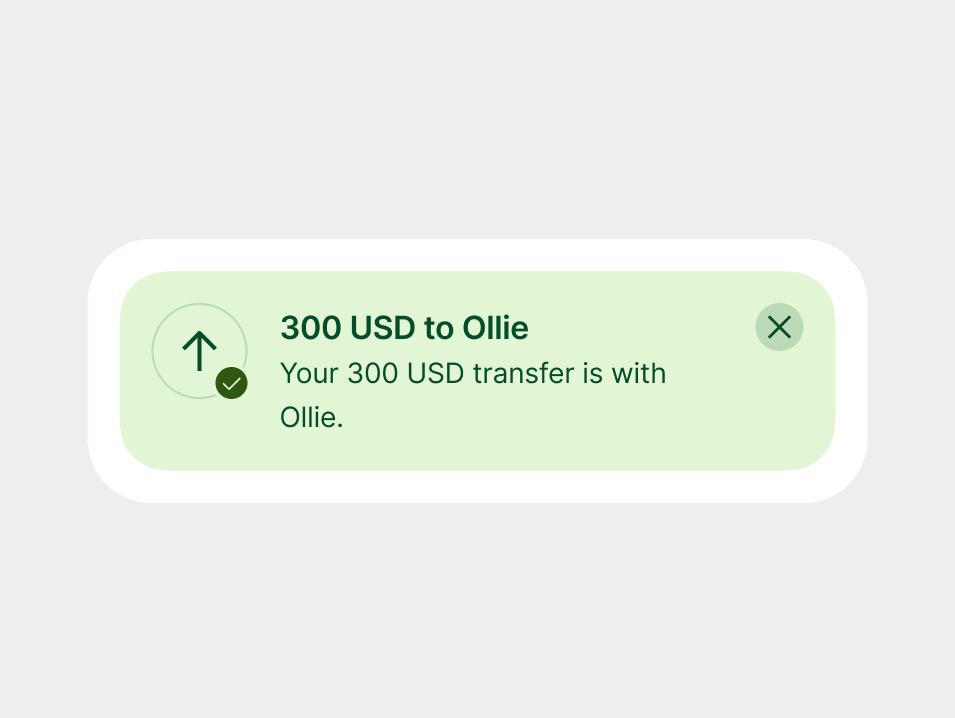
Use a success prompt to confirm a process is finished and offer the user their next logical action.
Proposition
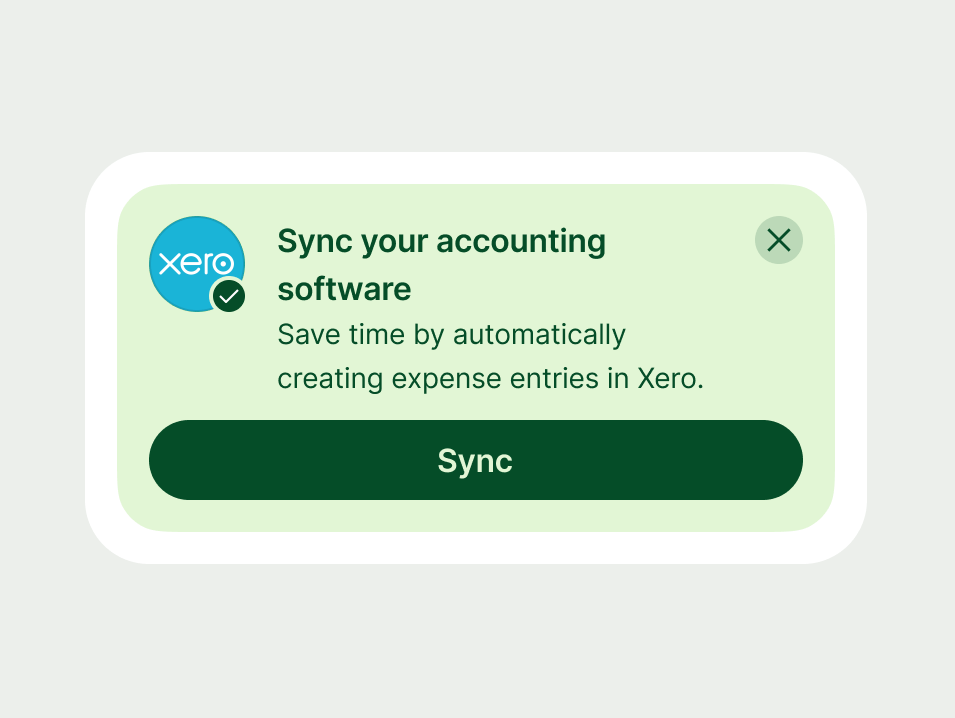
Use a proposition to encourage the user to take an action that might benefit them.
Only include a proposition when it fits naturally into the user's current context. Consider what screen they're on and what they've recently done.
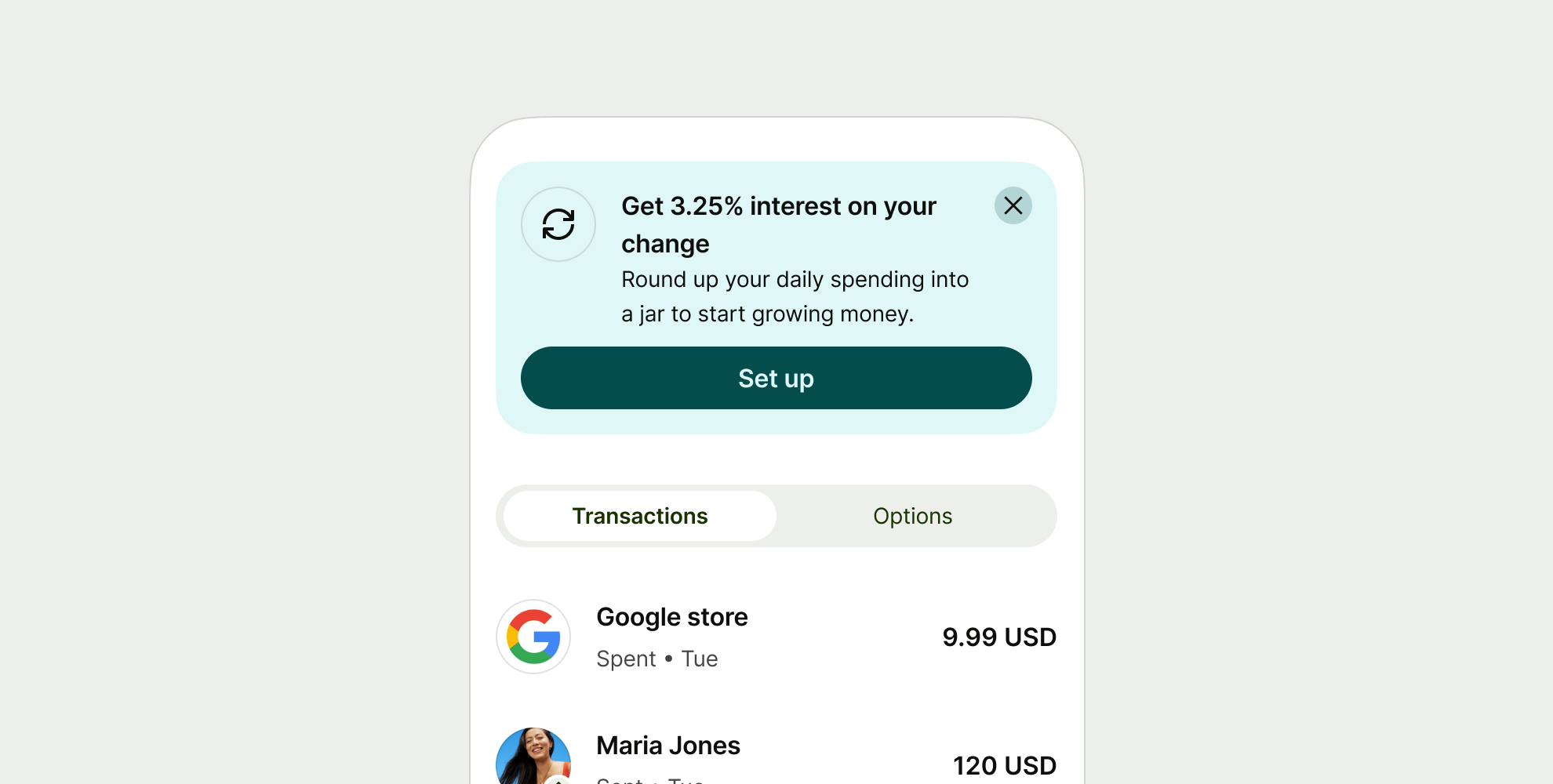
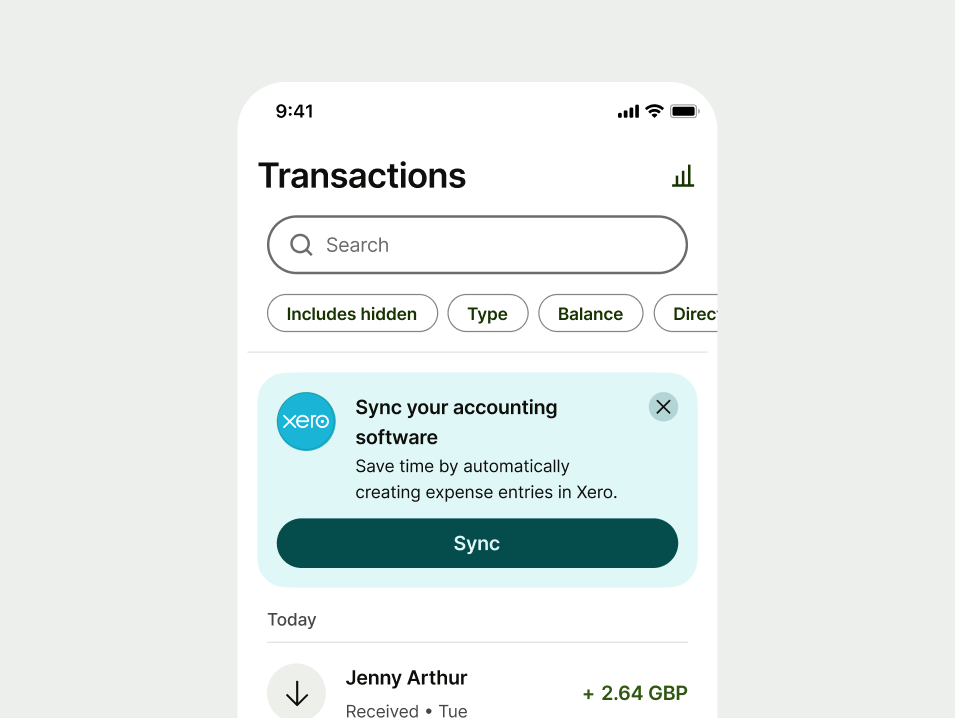
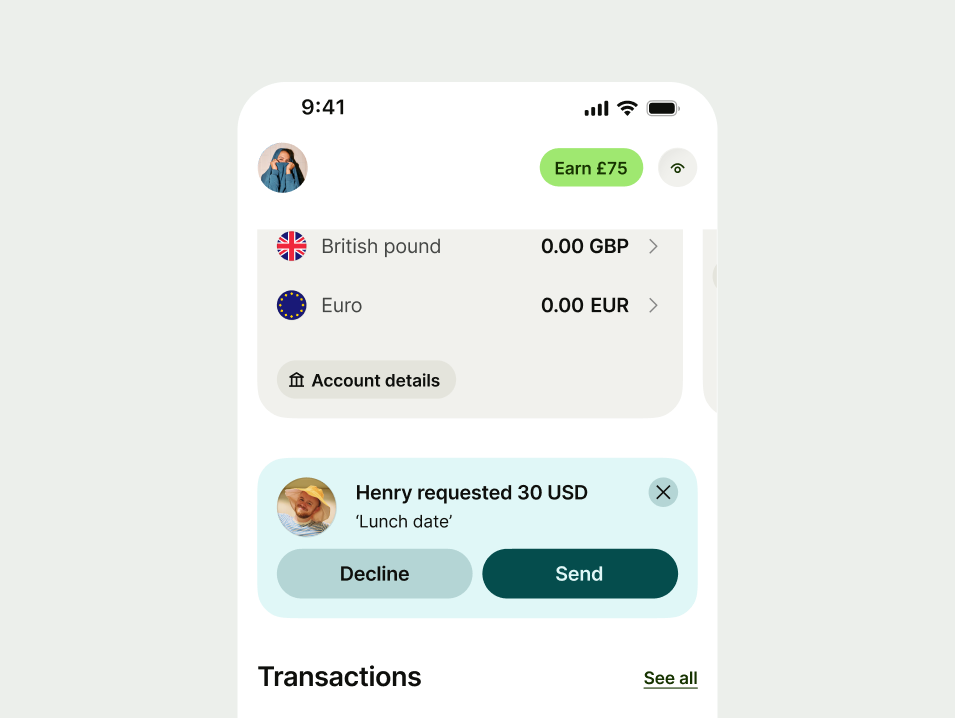
Outside of Launchpad, place action prompts where they’re most relevant to what the user is doing.
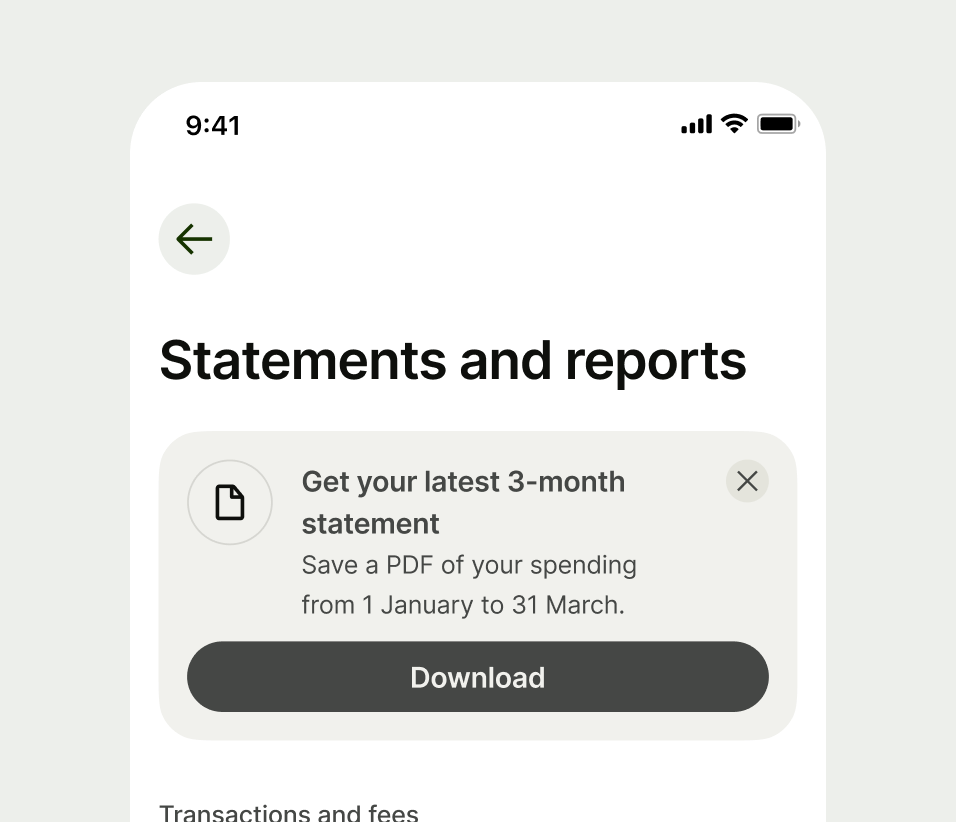
Dismissibility
If the prompt has two buttons (like "Send" and "Decline") don’t include a close button. In these cases, the message will disappear as soon as the user makes their choice.
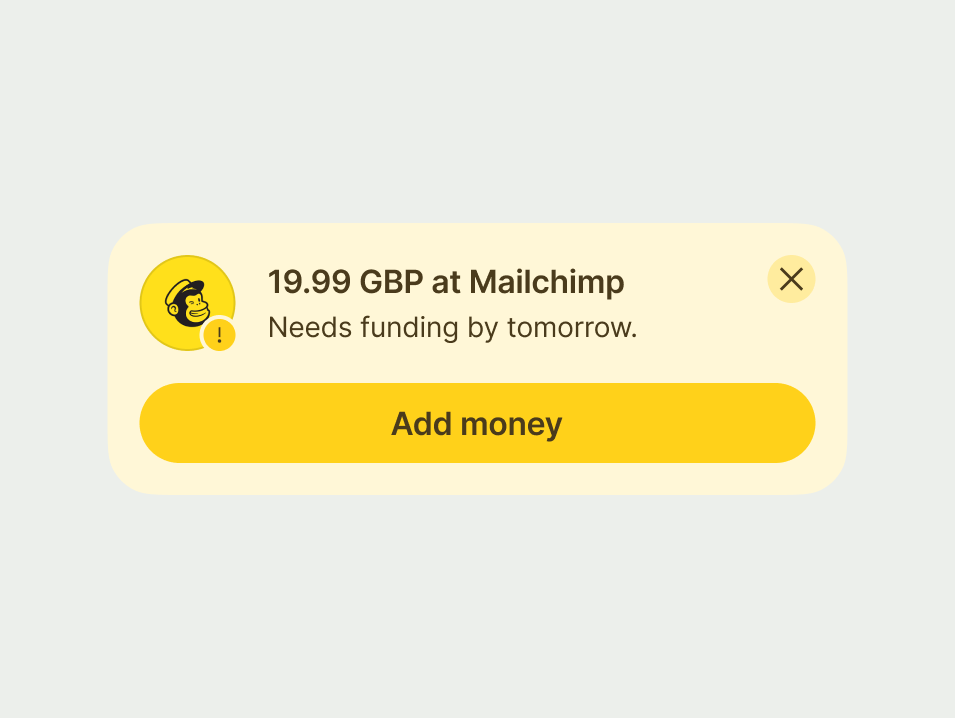
Include a close button (X) for optional actions, if either button doesn’t allow the user dismiss the prompt.
Call to actions (CTAs)
Action prompts always need a button because their purpose is to get a decision from the user. The button should clearly state what will happen next.
Every action prompt must give the user enough information to make a confident choice. You should always:
Be direct: clearly explain the situation and the choice the user needs to make.
Use specifics: include names, dates, or amounts to help the user act quickly.
Write in full sentences: use full stops in body copy to make the text easier to read.
It’s important to consider the tone of your message. Sometimes you might be giving the user good news, and sometimes it might be a warning, or bad news. Depending on the scenario, you'll need to adopt a suitable tone of voice.
Error
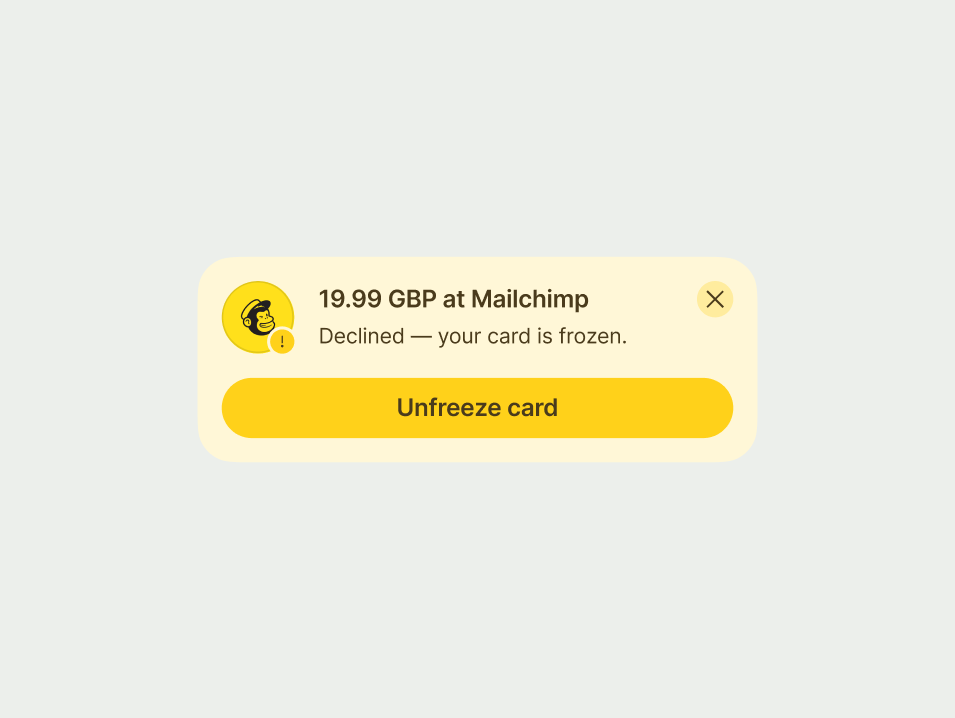
This prompt must explain what went wrong and how to fix it. Clarity is the most important part of an error message.
Header
Be specific and put the most important details first, like the amount or the merchant name, so they understand the issue at a glance.
- Payment declined: 30 GBP at Apple.
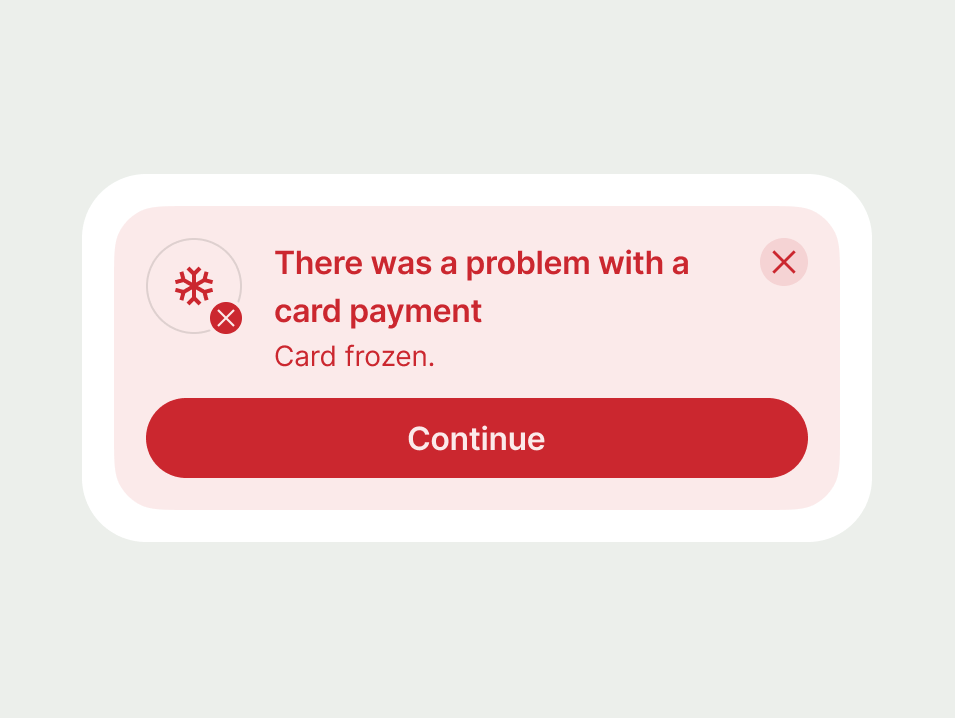
- There was a problem with a card payment.
Body copy
Use the body copy to give extra details that help the user solve the problem. Explain why the issue happened and what the next step is.
- Your card’s frozen — unfreeze it to continue spending.
- Card frozen.
Call to action
The CTA should start with a verb that describes the user's next step or the place they’re going.
- Unfreeze card
- Continue
Warning
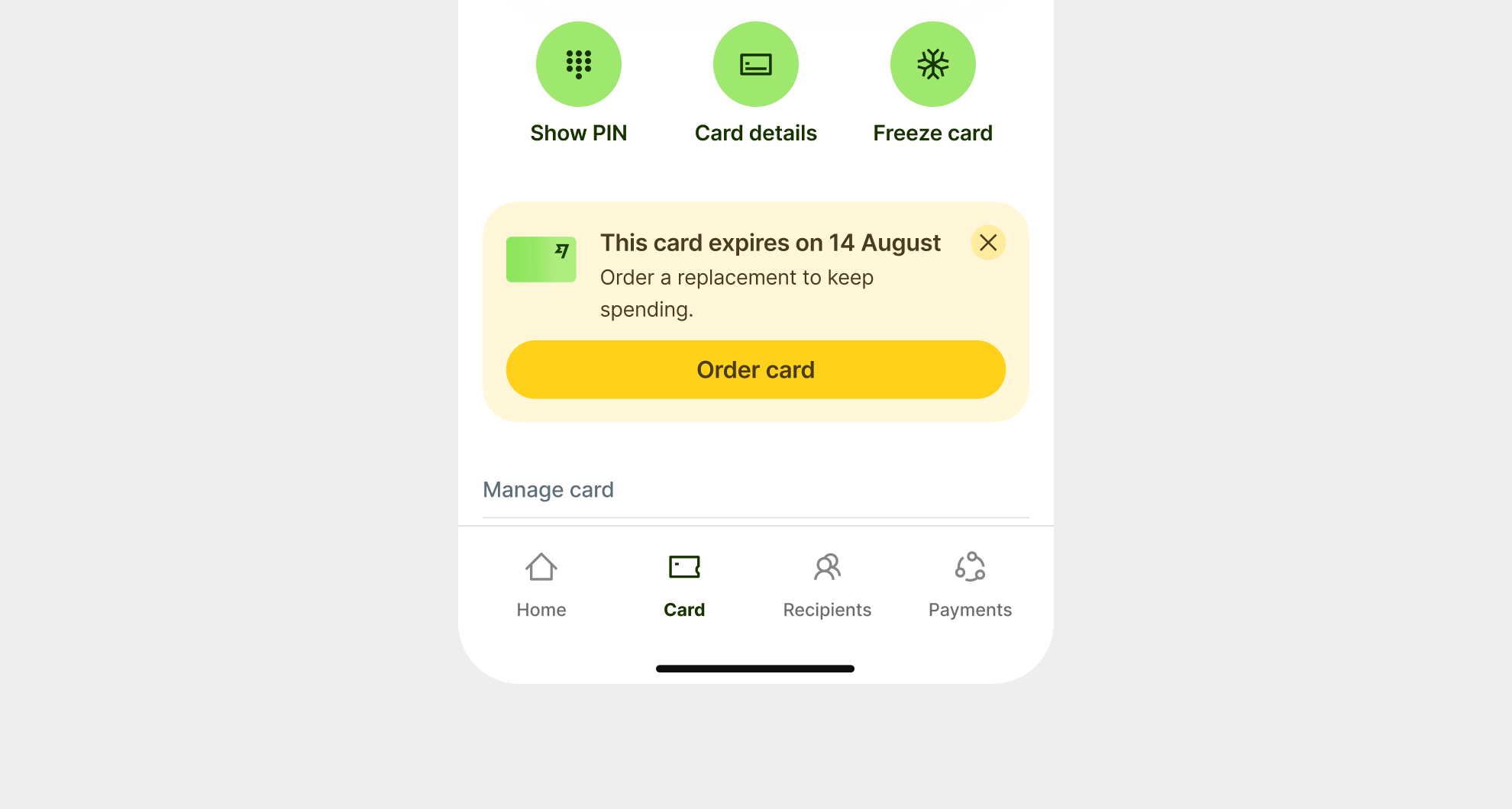
A warning prompt must make the risk clear and the next step obvious. Use every part of the prompt to guide the user toward the right action.
Header
Use the header to land the most important information. Be specific and front-load key details so the user understands the risk at a glance.
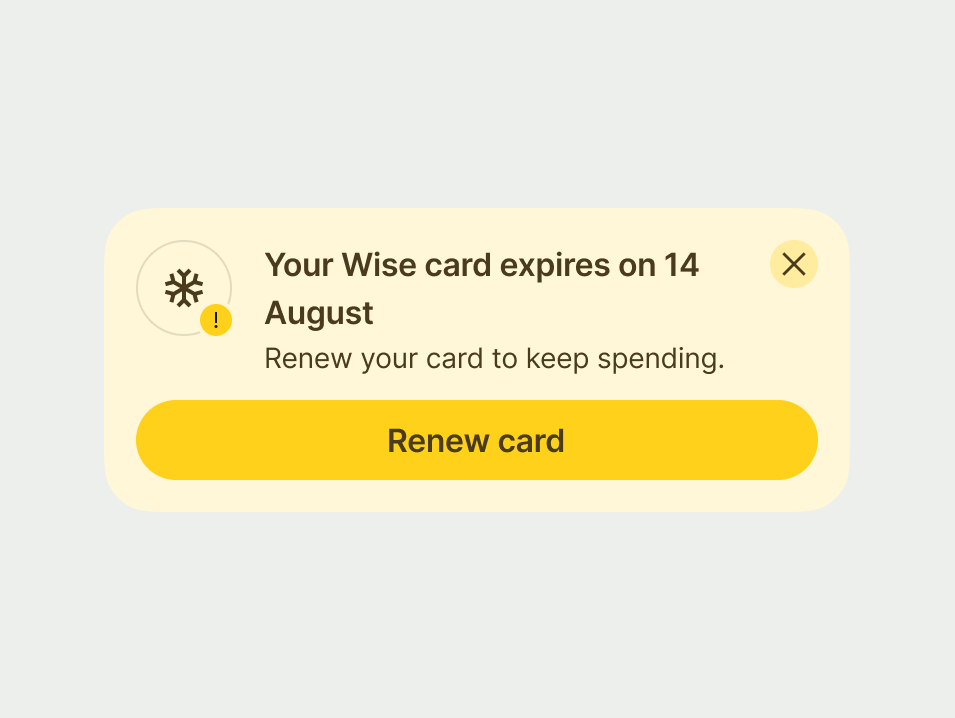
- Your Wise card expires on 14 August
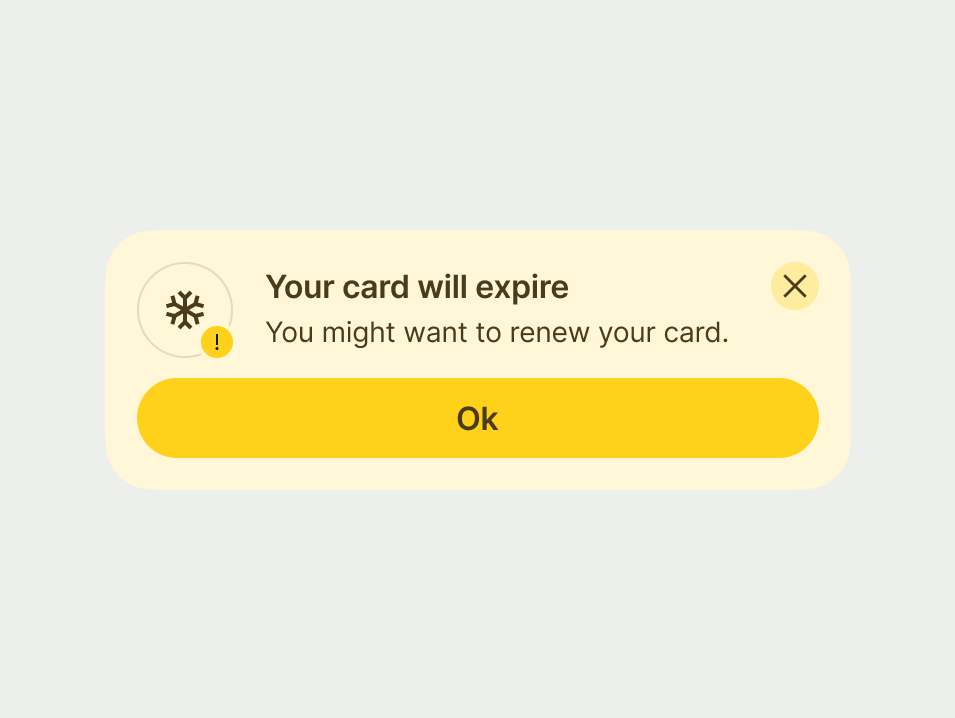
- Your card will expire
Body copy
Use the body copy to explain the risk and how to avoid it. Be direct about what will happen if they don't act.
- Renew your card to keep spending.
- You might want to renew your card.
Call to action
The CTA should start with a verb that describes the specific next step. Avoid generic responses like "OK".
- Renew card
- OK
Neutral
Use a neutral prompt for everyday tasks that need a response to move forward.
Keep the tone factual and straightforward to help the user make an informed decision without feeling pressured or overwhelmed.
Header
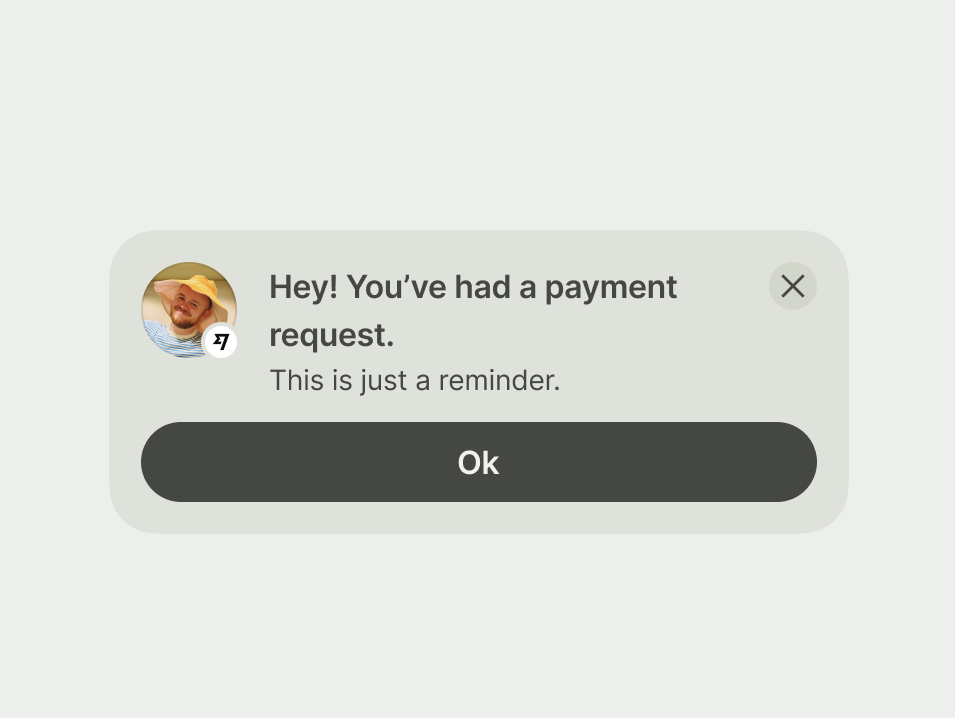
Neutral prompts don’t need urgency or persuasion, just clarity. Structure it as a short, declarative sentence or phrase that contains the key information.
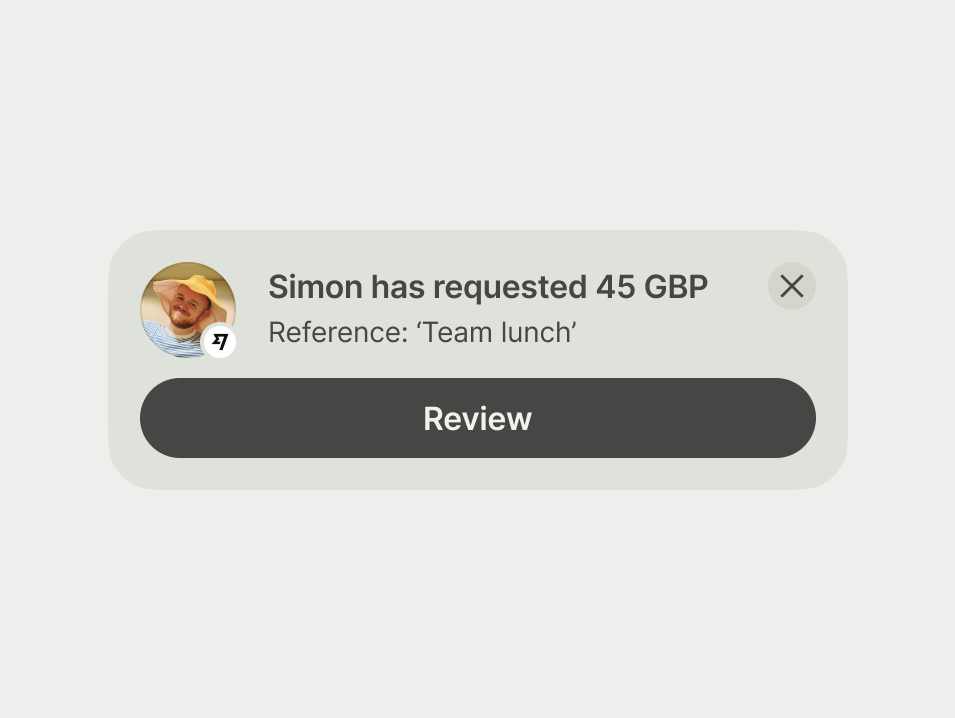
- Simon has requested 45 GBP
- Hey! You’ve had a payment request.
Body copy
Use 1 or 2 short sentences to give the user the context they need to make a decision. Stick to details that support the main message or outline the user’s options.
- Reference: ‘Team lunch’.
- This is just a reminder.
Call to action
The button should start with a verb that describes exactly what the user is going to do next.
- Review
- Ok
Success
A success prompt is one of the moments where a warmer tone is appropriate, but clarity still comes first.
Header
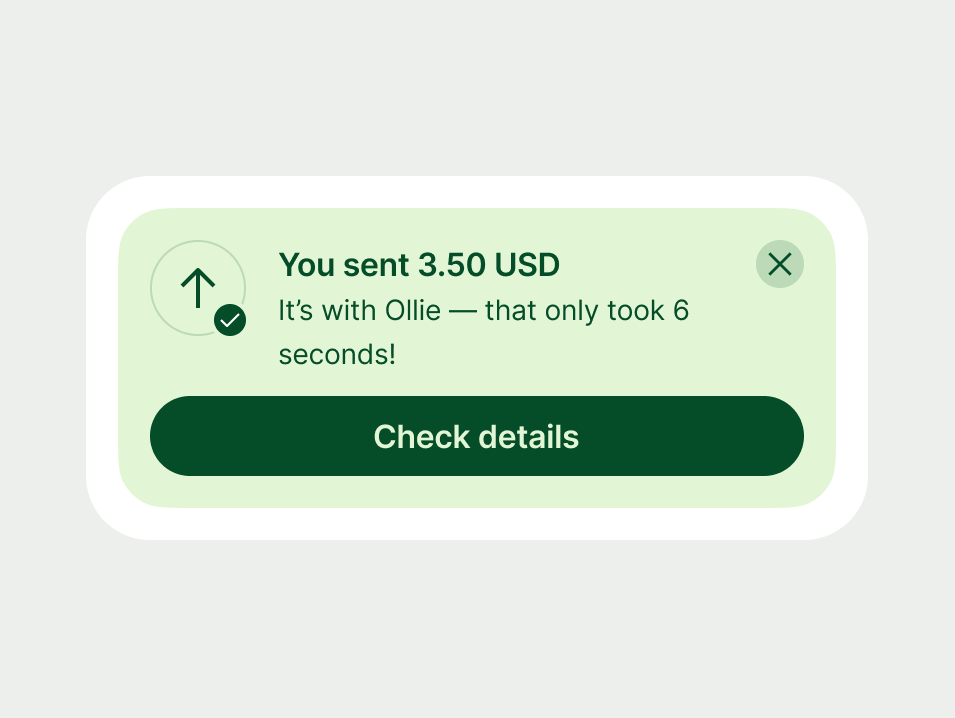
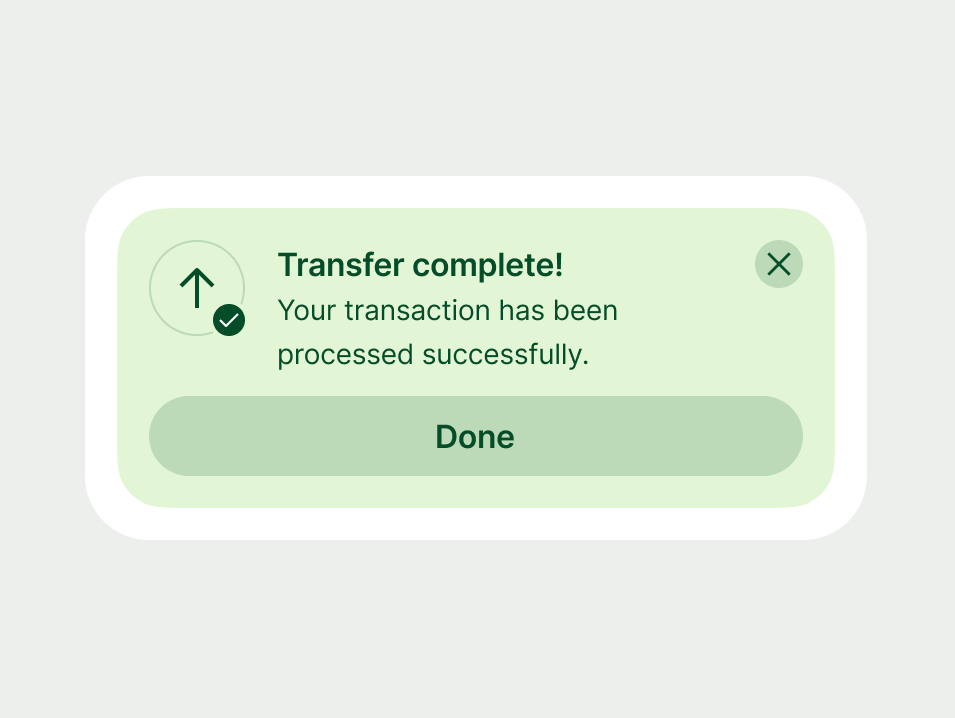
Use the header to confirm exactly what has happened. Keep it short and put the most important details first so the user gets the message at a glance.
You can use a warmer tone to celebrate good news as long as the message remains clear.
- You sent 3.50 USD
- Transfer complete!
Body copy
Use the body copy to give helpful context or explain the next steps. If there are no specific details to add, you can use this space for a brief celebratory note.
- It’s with Ollie. That only took 6 seconds!
Call to action
Your CTA should start with a verb and refer to the action the customer is going to do next, or the place in the product you’re taking them.
- Check details
- Done
Proposition
Use a proposition prompt to introduce something new that's relevant to the user. Use every part of the prompt to give the user a reason to act.
Header
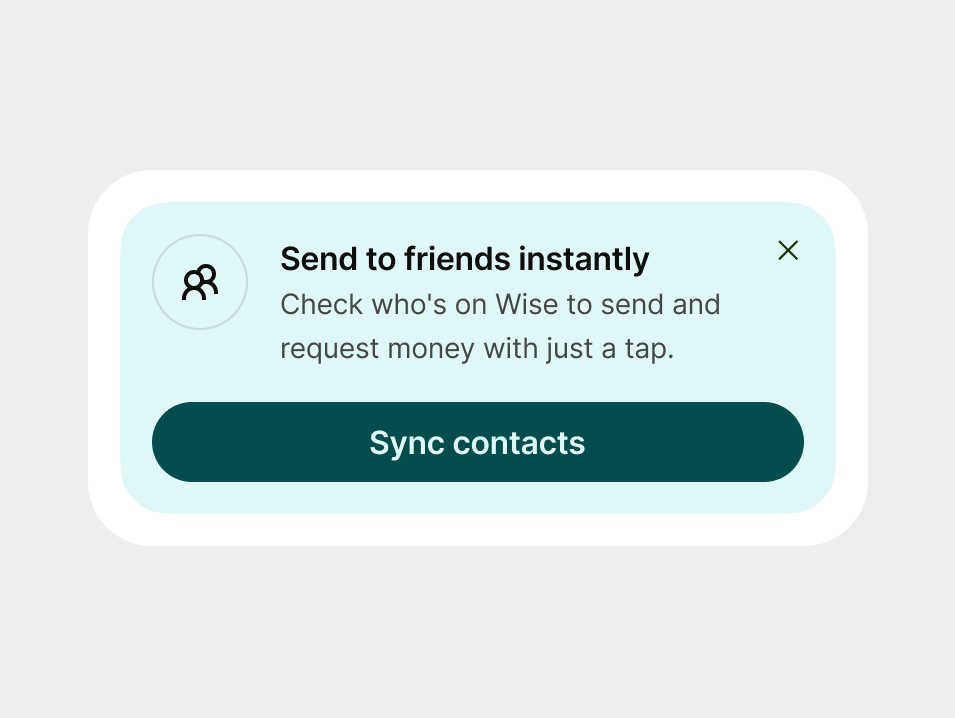
Headings are your first opportunity to capture the customer's interest and explain the core value of the proposition. Focus on the single most compelling benefit or the key takeaway that encourages them to learn more.
- Send to friends instantly
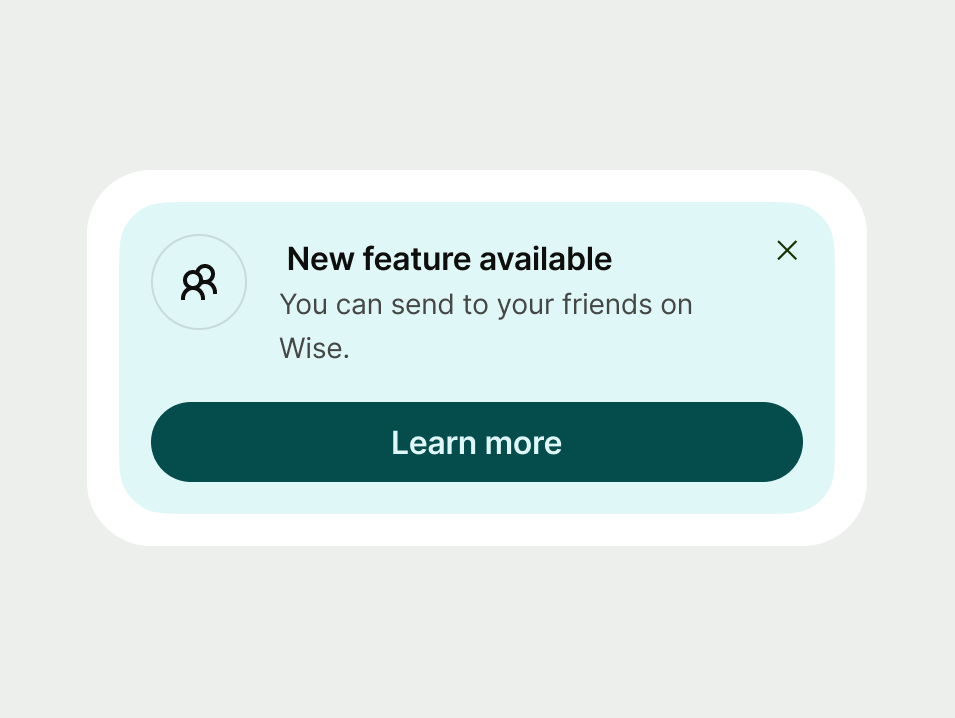
- New feature available
Body copy
Use the body copy to explain how the offer helps the user and encourage them to explore further. Provide just enough detail to entice them to take the next step. You should:
Explain the benefit: clearly state how this proposition helps the user.
Encourage exploration: hint at what they can discover or do by taking the next step.
- Check who's on Wise to send and request money with just a tap.
- You can send to your friends on Wise.
Call to action
Your CTA should start with a verb and refer to the action the customer is going to do next, or the place in the product you’re taking them.
- Sync contacts
- Learn more
Platform | Available | Developer documentation |
|---|---|---|
Android | ||
iOS | ||
Web |